Version 1.0.0
Last Updated: October 26, 2026
1. WHAT THE GAME IS
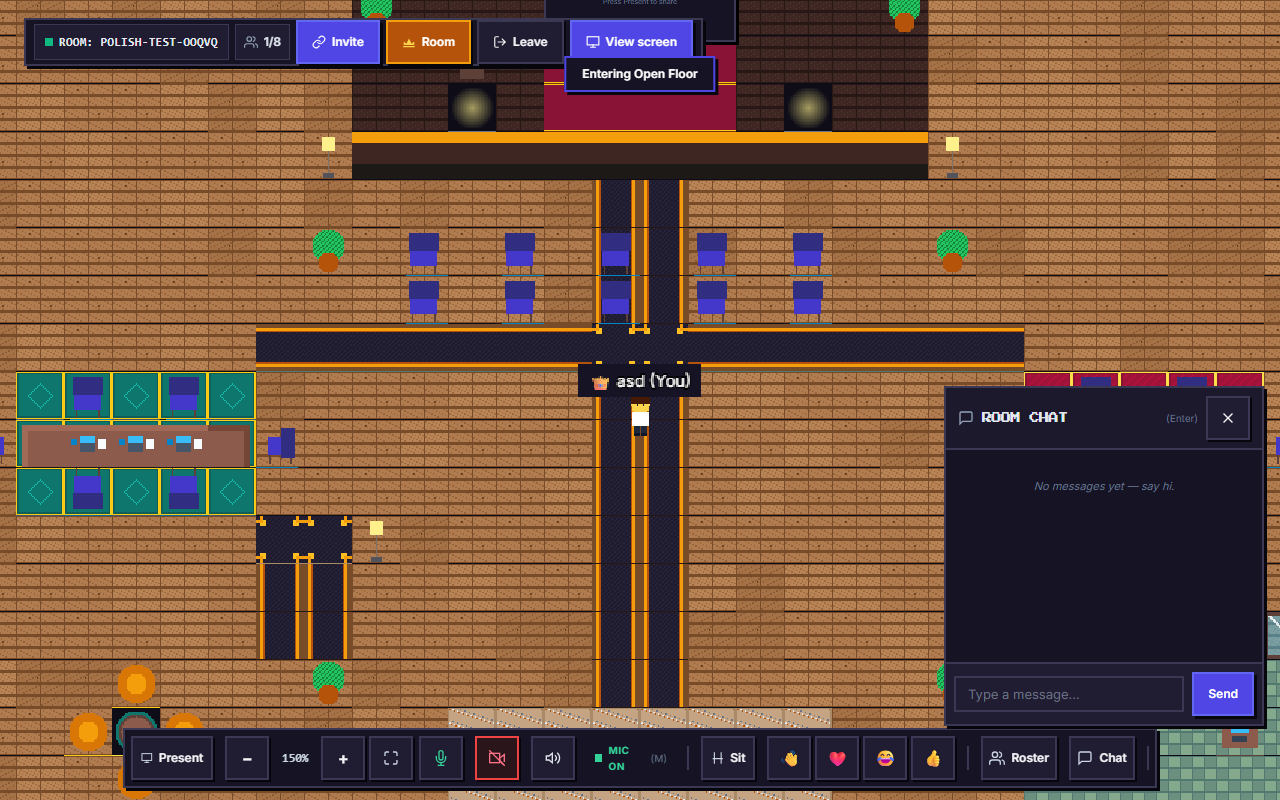
Pixel Conference is a free, hobby multiplayer gathering game provided as a creative project. It allows visitors to meet in pixel worlds, chat via text and proximity voice, play mini-games, and present on virtual stages.
The game is offered free of charge on an 'as-is' and 'as-available' basis. There is no commercial warranty, uptime guarantee, or availability commitment.
2. CODE OF CONDUCT & BEHAVIOR RULES
All participants are expected to maintain a welcoming environment. The following conduct is strictly prohibited:
- Harassment, hate speech, threats, intimidation, or discrimination.
- Impersonating room hosts, administrators, or other players.
- Cheating, speed hacking, forging network packets, or exploiting bugs (the server enforces anti-cheat speed clamping).
- Transmitting illegal, sexually explicit, abusive, or infringing voice, chat, or video/screenshare content.
Room-Level Moderation:
Rooms are moderated by their respective hosts using built-in room tools (locking rooms, PIN protection, knock approval, and player kicking). There is no centralized global moderation queue or reporting staff. If someone misbehaves in a room, please notify the room host or simply leave the room.
3. USER CONTENT & COMMUNICATIONS
You retain full ownership of the text messages, audio streams, and screenshares you broadcast in a room. By sending messages or transmitting media, you grant other participants in that active room the real-time license to receive, display, and hear your content for the duration of the gathering.
Pixel Conference does NOT publish your communications publicly and does NOT record voice or video streams.
4. LIMITATION OF LIABILITY
To the maximum extent permitted by applicable law, Pixel Conference, its developers, and contributors shall not be held liable for any direct, indirect, incidental, special, or consequential damages resulting from your use of or inability to use the game. You participate entirely at your own discretion and risk. Nothing in these Terms limits rights you possess under mandatory consumer protection laws that cannot be waived.
5. MODIFICATIONS
We reserve the right to modify these Terms as the project evolves. The effective date will always appear at the top of this document.